The same information.
Entered for the third time.
An enquiry is copied from an email into Excel, entered into the CRM later, then pieced together again for the proposal.
More copying. More chances for mistakes.
DIGITAL PROCESSES. BESPOKE TOOLS.
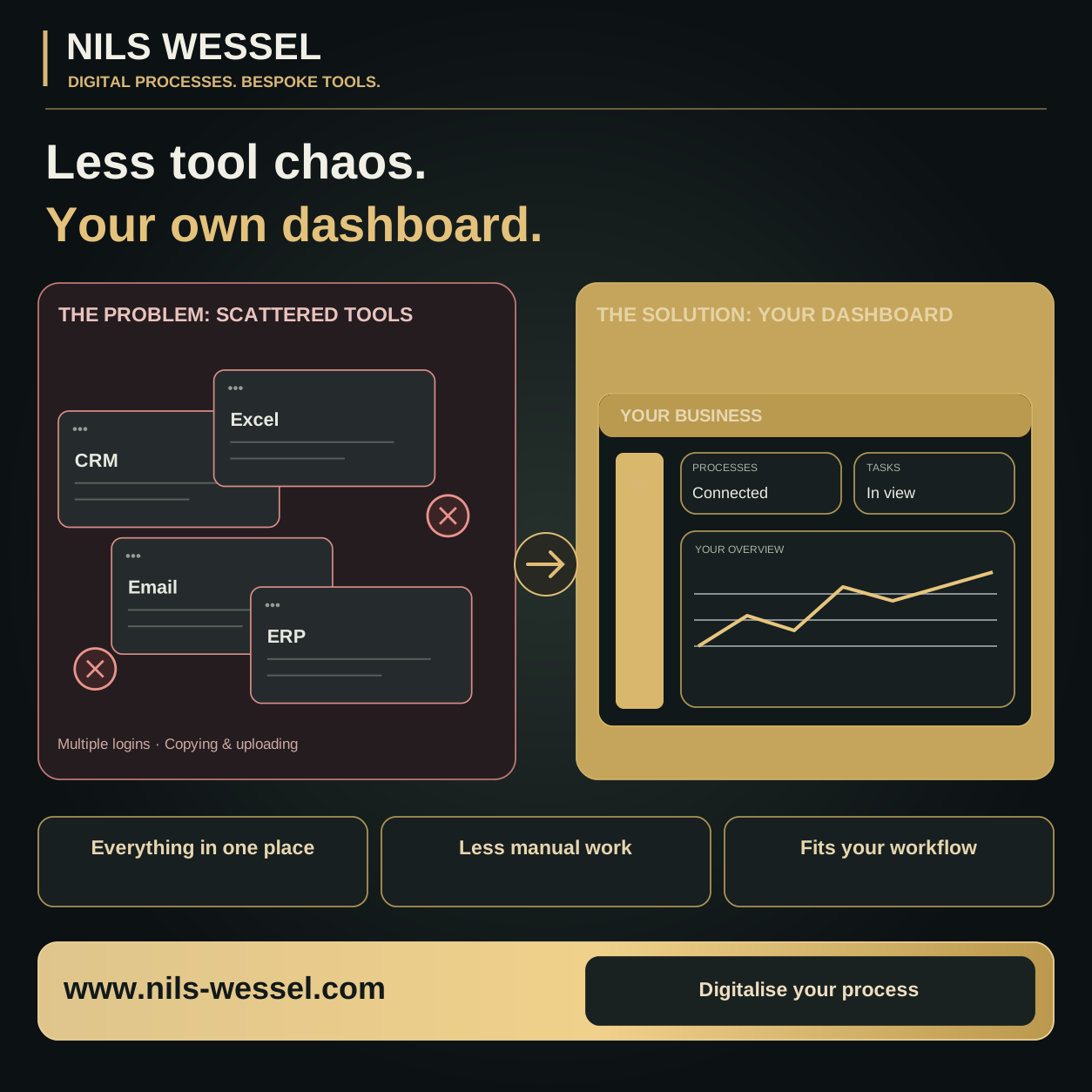
Your own dashboard connects your workflows, so your team spends less time copying and chasing information, and more time moving work forward.
CRM in one place, Excel in another, approvals in your inbox? Together, we turn that into a clear process with an interface that fits your business.
Free introductory call · 10 minutes · No obligation
WHERE EVERYDAY WORK LOSES TIME
The information is there. It’s just rarely where it’s needed for the next step.
An enquiry is copied from an email into Excel, entered into the CRM later, then pieced together again for the proposal.
Tasks, responsibilities and approvals are scattered across chats and inboxes. The next step stalls until someone follows up.
Standard software can do a lot. But the exact workflow your team needs every day still involves workarounds or extra lists.
YOUR PROCESS. YOUR INTERFACE.
We start with the work that needs doing, then look at the technology that can make it easier.
FROM AN IDEA TO SOMETHING YOU CAN TRY
Switch between sections, filter entries and tick off tasks. This is one possible interface. Your own dashboard will be designed around your workflow.
FROM FIRST CONTACT TO THE NEXT STEP
Every enquiry has a status and a person responsible.
All entries and figures are fictional examples. This demo does not process business data or connect to external systems. Changes to the demo last only until you reload the page.
START WHERE IT MAKES A DIFFERENCE EVERY DAY
Capture, qualify and consistently follow up on new contacts, with an overview of responsibilities, proposals and next steps.
From contact to conversationKeep tasks, deadlines and responsibilities together, so missing information doesn’t hold up the handover between teams.
From order to deliveryReview and approve content, documents or drafts in one place. Feedback stays with the right item instead of disappearing into another email thread.
From draft to decisionBring together the metrics you need to make decisions, using available data and clearly defined measures.
From individual figures to a clear overviewWe assess which functions and integrations can sensibly be delivered based on your requirements, data sources and available interfaces.
START SMALL. BUILD ON WHAT WORKS.
We work through a specific process: who uses which tools? Where is data entered twice? Where is the next step held up?
Your outcome: a clearly defined starting point.An initial structure shows the views, fields and handovers. You and your team check whether it will actually help in everyday work.
Your outcome: a concept we’ve agreed together.We implement the agreed scope, assess potential integrations and test the workflows with suitable examples.
Your outcome: a usable first version.Put the solution to work in your business. Feedback shows what needs simplifying and which addition would be useful next.
Your outcome: a tool that grows with your needs.
BUSINESS THINKING. PRACTICAL IMPLEMENTATION.
A new interface only helps when responsibilities and next steps are clear. That’s why I combine an understanding of marketing, sales and business workflows with digital implementation.
We start where your team is doing unnecessary work today, rather than with a list of features no one ends up needing.
BEFORE OUR FIRST CONVERSATION
Mainly businesses whose recurring workflows are spread across several lists, inboxes or tools. What matters is a specific bottleneck. If an existing standard solution already solves it well, that should be considered first.
Not necessarily. We assess which systems should stay and which data or steps can be connected. Whether an integration is possible depends on factors such as available interfaces, access permissions and the provider.
Yes. A clearly defined workflow is often the best place to start, such as handing an enquiry over to sales or approving a document. Further areas can then be planned deliberately.
That depends on the scope, data sources, integrations and operational requirements. After reviewing your current setup, we define an initial scope and discuss the work involved, timescale and ongoing costs before development begins.
These requirements are part of planning: What data will be processed? Who can view or change it? Where will the application run? What backups and support are needed? The implementation and responsibilities will be defined for your project.
The demo illustrates possible screens and interactions. It is not connected to live systems. Your own dashboard will be developed around the requirements we agree together.
YOUR NEXT STEP
Tell me where information gets stuck today.
In 10 minutes, we’ll establish whether a digital solution could help and where it makes sense to start.
Free & no obligation · Your enquiry goes straight to Nils Wessel
Prefer to enquire by email?WESSEL MEDIA GmbH
Aubachstr. 107
56567 Neuwied
Managing director: Nils Wessel
Commercial register: HRB 29925
Montabaur Local Court, Germany
Phone: +49 2631 9564880
Email: mail@wessel-media.de
WESSEL MEDIA GmbH, Aubachstr. 107, 56567 Neuwied, Germany. Contact: kontaktanfragen@nils-wessel.de.
This website is hosted by ChatGPT Sites. When you visit, the hosting provider processes technical connection data to deliver and protect the website. The legal basis is Article 6(1)(f) GDPR; our legitimate interest is secure, reliable operation. Further information about the hosting contracting party, its processing and retention periods is set out in the agreed hosting terms.
Essential functions support website delivery and access controls. If you choose to remember your selection, your cookie choices are stored on your device for up to 180 days. The legal basis for necessary storage is Section 25(2)(2) TDDDG. Where personal technical administration data is processed, the basis is Article 6(1)(f) GDPR, with the legitimate interest of respecting your decision.
Optional analytics and marketing services are loaded only after you consent. Access to information on your device is based on Section 25(1) TDDDG; the associated processing of personal data is based on Article 6(1)(a) GDPR. You can change your choices and withdraw consent for the future through “Cookie settings” in the footer. If the approved services change, we will ask you to choose again.
Essential functions are active. With your consent, we use cookies and similar technologies to measure visits and contact-button clicks. You can withdraw consent in Cookie settings. Controller: WESSEL MEDIA GmbH.
With your analytics consent, we collect page views, clicks on contact buttons, recorded engagement time, timestamps, referral sources as domains without URL parameters, device categories and countries. A random session identifier is held in your browser sessionStorage and hashed on the server. The analytics database does not store full IP addresses. Data is pseudonymised. Analytics data is generally deleted within 90 days; deletion runs when the website or admin area is used. The browser session identifier generally disappears when you close the tab.
We process your name, email address, message, optional phone number and any company or event details to answer your enquiry and organise our work together. If you are the contracting party, this is based on Article 6(1)(b) GDPR; for business contacts and other enquiries, Article 6(1)(f) GDPR applies. Our legitimate interest is handling business communications. Form enquiries are stored in our protected backend. They are deleted once handling and necessary follow-up are complete, generally no later than three years after the last substantive activity. Deletion runs when the website or admin area is used. Legal retention duties or necessary legal defence may require longer retention of individual documents outside this enquiry backend.
In the protected admin area, we process contact information, sign-in information and logged changes to operate securely under Article 6(1)(f) GDPR. Sessions end after five minutes of inactivity. Activity logs are generally deleted within one year; deletion runs when the website or admin area is used. Content versions contain published website content, not customer enquiries or credentials.
A strategy call request is sent directly through this website. It is not an automatic appointment booking. We will contact you to agree and confirm a time.
Subject to the applicable legal requirements, you may request access, rectification, erasure, restriction of processing and data portability. You may withdraw consent at any time for the future. You may object to processing based on legitimate interests on grounds relating to your particular situation. You also have the right to complain to a data protection supervisory authority. In Rhineland-Palatinate, this is the State Commissioner for Data Protection and Freedom of Information. For questions or to exercise your rights, use the contact information above.